Test anything in the app
Validate onboarding flows, paywalls, layouts, copy, etc, on both iOS and Android, with statistical and behavioral data.
Wingify Feature Management Suite > Mobile App Testing
Launch features strategically and learn what moves adoption, engagement, and retention, without waiting on an app store release - hands-free and self-serve.

























Validate onboarding flows, paywalls, layouts, copy, etc, on both iOS and Android, with statistical and behavioral data.
Configure auto-rollouts & rollbacks as per the impact on key metrics, to scale what works and kill that doesn’t.
Increase adoption and engagement with contextual experiences as per user attributes and past behavior.
See how app teams use Wingify to lift the metrics that decide whether an app grows or gets deleted.

Test sign-up options, permission prompts, and first-run screens to get more new users to their aha moment.

Experiment on plans, pricing, timing, and the paywall screen to convert more free users without hurting retention.

Test checkout steps, coupon placement, and guest versus account flows to recover carts inside the app.

Compare search ranking and recommendation logic, and ship the version that keeps users browsing.

Try in-app messages, gamification, or creative notification styles to bring users back and cut churn.
Decouple deployments from releases, and operate at peak operational efficiency


Power users need special treatment, while casual ones need some push. Deliver ideal feature experiences to both to satisfy their needs, and increase your adoption.
Target by device type, OS, app version, location, device model, or bucketing in previous feature flags.

Import and use your in-house user properties to reach exactly the cohort you want.

Ensure consistent variant assignment across sessions on different devices, so a returning user never sees the app flip on them.

Experience the power of advanced statistics with configurable parameters, real time reporting, inbuilt error-corrections, and constant feature health monitoring; to see what moves the needle.
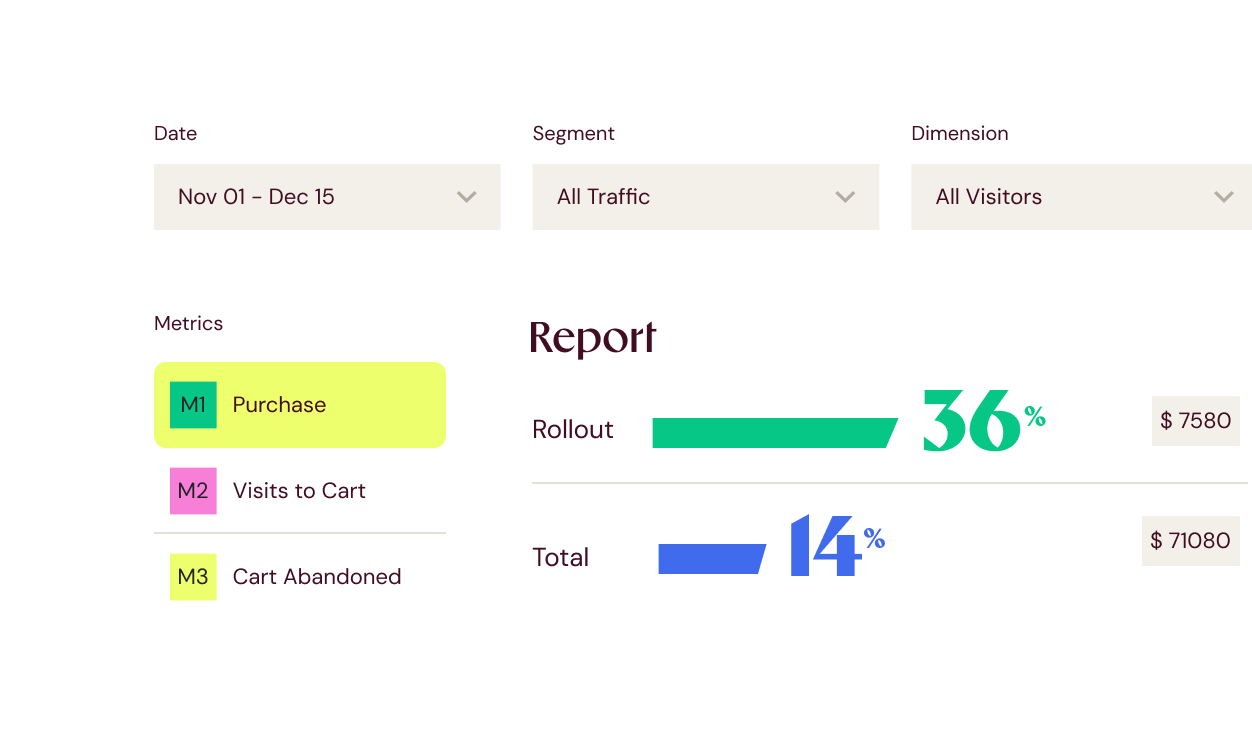
Measure activation, sign-ups, in-app engagement, purchases, and any custom goal, with no cap on how many you track.
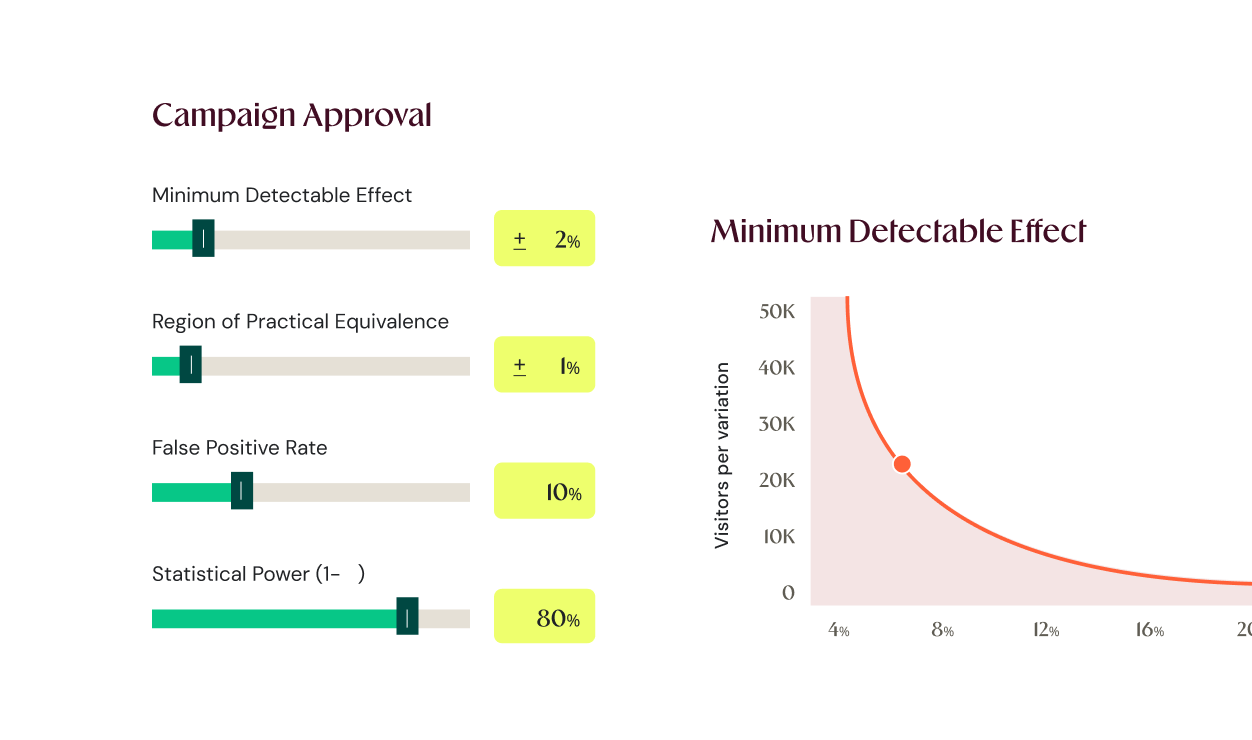
Have maximum control with customizable statistical power, false positive rate, and minimum detectable effect as per your traffic, use case, and business priorities.
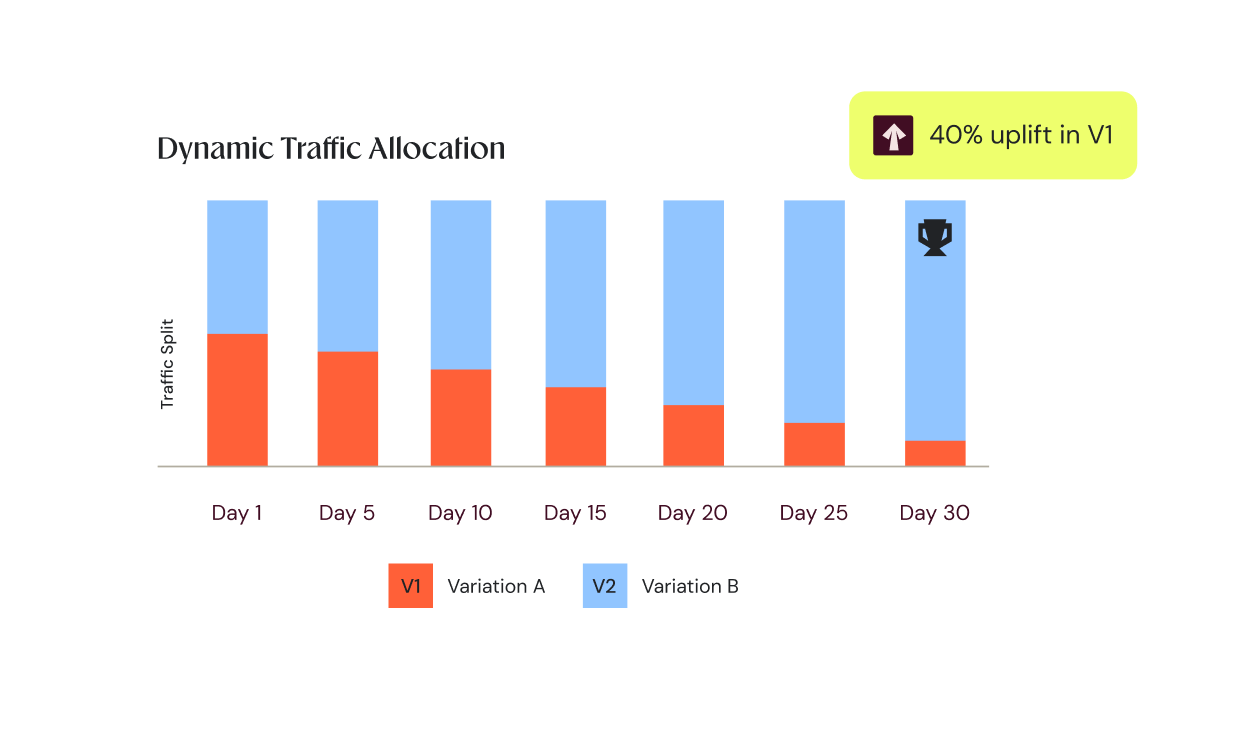
Multi-armed bandits shift traffic toward the better variation as evidence comes in.
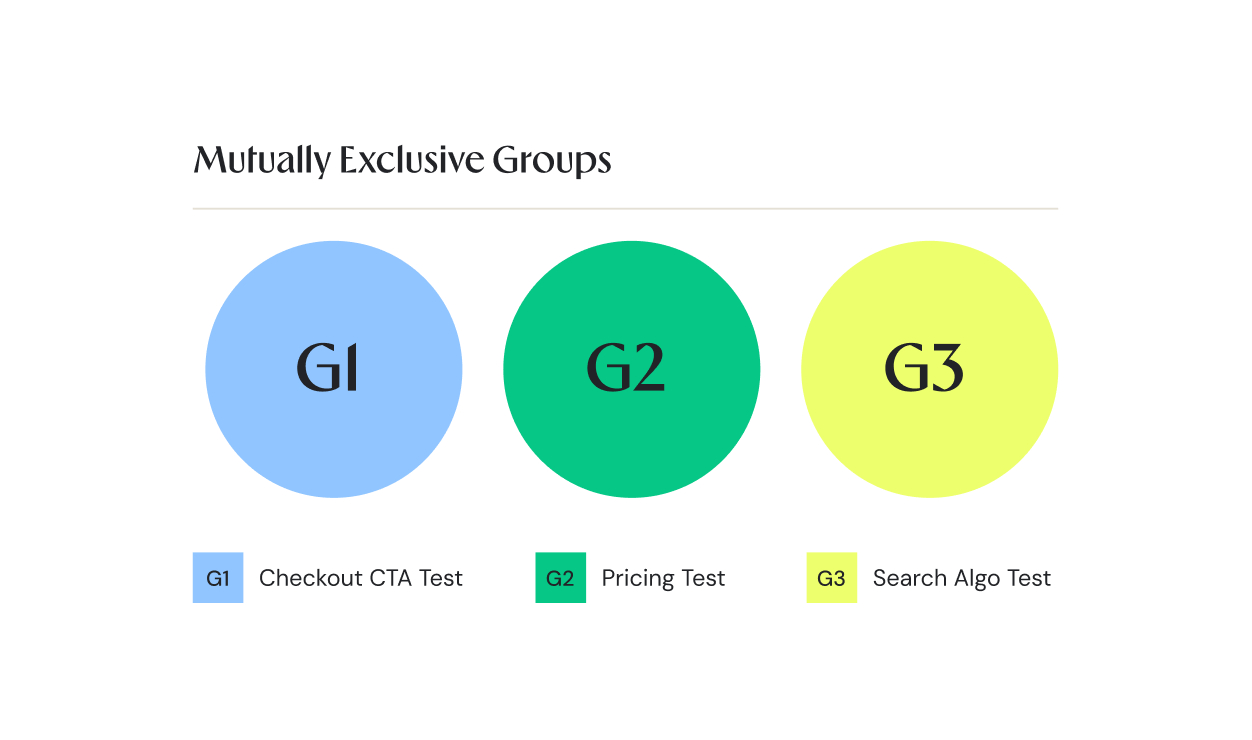
Ensure experience sanity with mutually exclusive groups so overlapping experiments do not skew results.
A metric dashboard tells you that your feature adoption is low. User behavior analysis tells you why.

Observe heatmaps that reveal first taps, last taps, or dead taps, and see where users pay the most attention.
See how users navigate in your app, where they lose interest, and catch friction before it hits your metric dashboards.
Analyze drop-offs with funnel analysis and see why they skipped onboarding or didn’t buy from you.
Build features backed by real-world user behavior and not hunches to see your adoption go higher.
Integrate the relevant SDK for your stack. It syncs flag configs, evaluates every flag decision locally, with no network round-trips and no latency hit.

Define your feature flag in the Wingify dashboard: Set the variables, pick who sees it, and choose the metrics that tell you it’s working.
Start from 1% feature exposure, move to 5%, and gradually take it to 100%, or turn off instantly if something breaks. Control your mobile app experience, without code changes or app store deployments.
Integrate the SDKs for your languages and start feature flagging at scale right away.
Target users using their own data by connecting any two-way, API-based connector.
No need to leave your editor. Install our MCP in your coding agent and run feature flags from there.
AI-Powered Experimentation
Wingify sits in your dev environment once you install our MCP server. No UI knowledge needed. No manual configs. Natural language prompts execute all that you want.
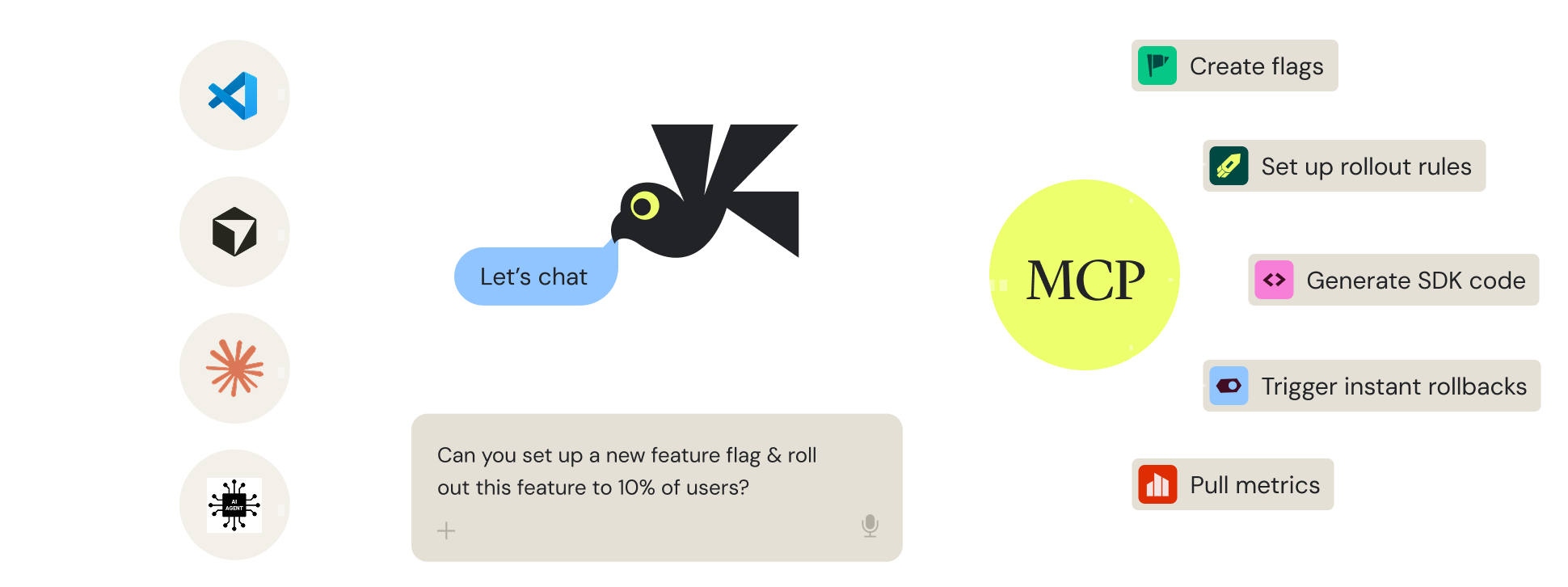
With adoption-linked automated rollouts & rollbacks, feature-specific user behavior analysis, auto-deployment of winning variations in a test, and and AI that automates feature flagging, we ensure that product optimization doesn’t feel like “another task”
Go from 5% to 100% feature exposure, just by setting configs to ramp up with rising adoption or reducing bounce. If key metrics dip suddenly, roll back features instantly and get real-time alerts.
Know how users are interacting with your features through interconnected heatmaps, session recordings, and funnel analysis, so that you never release blind.
Release new features to all users instantly, without waiting for the next sprint. This prevents conversion loss and ensures users aren’t seeing an inferior experience until the winner is formally deployed.
The greatest value Wingify offers comes from the infrastructure that enables Research and Testing to be integrated, breaking down departmental silos. Wingify allows us to move seamlessly from qualitative data (Insights) to experimentation (Testing): while analytics tells us the what, Wingify Behavior Analytics explains the why behind user behavior, which is critical for formulating winning hypotheses. Its versatility is comprehensive; it enables us to scale the experimentation program by balancing execution speed with technical complexity, unifying Client-Side, Server-Side, and mobile app experimentation through Wingify Feature Experimentation, ensuring that learning is at the center of every technical decision.

CRO & SEO Team Lead

See where users face friction, test the fixes, rollout new features, and ship personalized UX, with the all-in-one Wingify platform
Explore Wingify Feature ManagementMake every feature feel personal. Deliver the right experience at the right moment, based on past behavior, in real time.
Automate feature rollouts, monitor the metrics, and roll back instantly if something breaks, no redeploy needed.
Test features in production before you release them. Run experiments on backend logic, pricing, and algorithms to know what increases adoption.
Wingify meets the highest security and data privacy standards across the globe, with 24/7 priority support.
We carry industry-leading certifications. Your data stays protected while helping you meet global and regional regulatory requirements with confidence.


Data centers in the US, the EU, and India.
A dedicated success manager and technical experts, with 24/7 support and a consistent CSAT of 99%.

Here is what teams usually ask before they start
Yes, plug-and-play SDKs cover iOS and Android, plus Flutter, React Native, and Cordova, so you can test across your whole app with one platform.
No, once the SDK is in your app, you create, launch, pause, and change experiments from the dashboard without a new binary or an app store review.
Not always. The variable-based approach lets you change variations from the dashboard with no code. When a test needs custom logic, the code-based approach gives your engineers full control.
Enhanced SmartStats reports on Bayesian and Frequesntist methods (you choose!), with mutually exclusive groups to keep tests from colliding and real-time reports that tell you when a variation truly beats the baseline. It comes with inbuilt error-questions and always-on health checks, to ensure all the reports are non-skewed.
No, local, in-memory evaluation returns each decision in sub-milliseconds with no network round-trip, so experiments do not add latency for your users.
Yes, pair any experiment with Mobile App Insights to watch session recordings, heatmaps, and funnels for each variation and see exactly where users engage or drop off.

Free for 30 days. No credit card required.
Talk to a sales representative
Your dedicated Wingify representative will be in touch shortly to set up a time.
at

Increase in Trial activation