Wingify Feature Experimentation
Test features in production before you release them. Run experiments on backend logic, pricing, and algorithms to know what increases adoption.
Wingify Feature Management Suite > Feature Personalization
Maximize feature adoption, engagement, and conversions with real-time personalization.
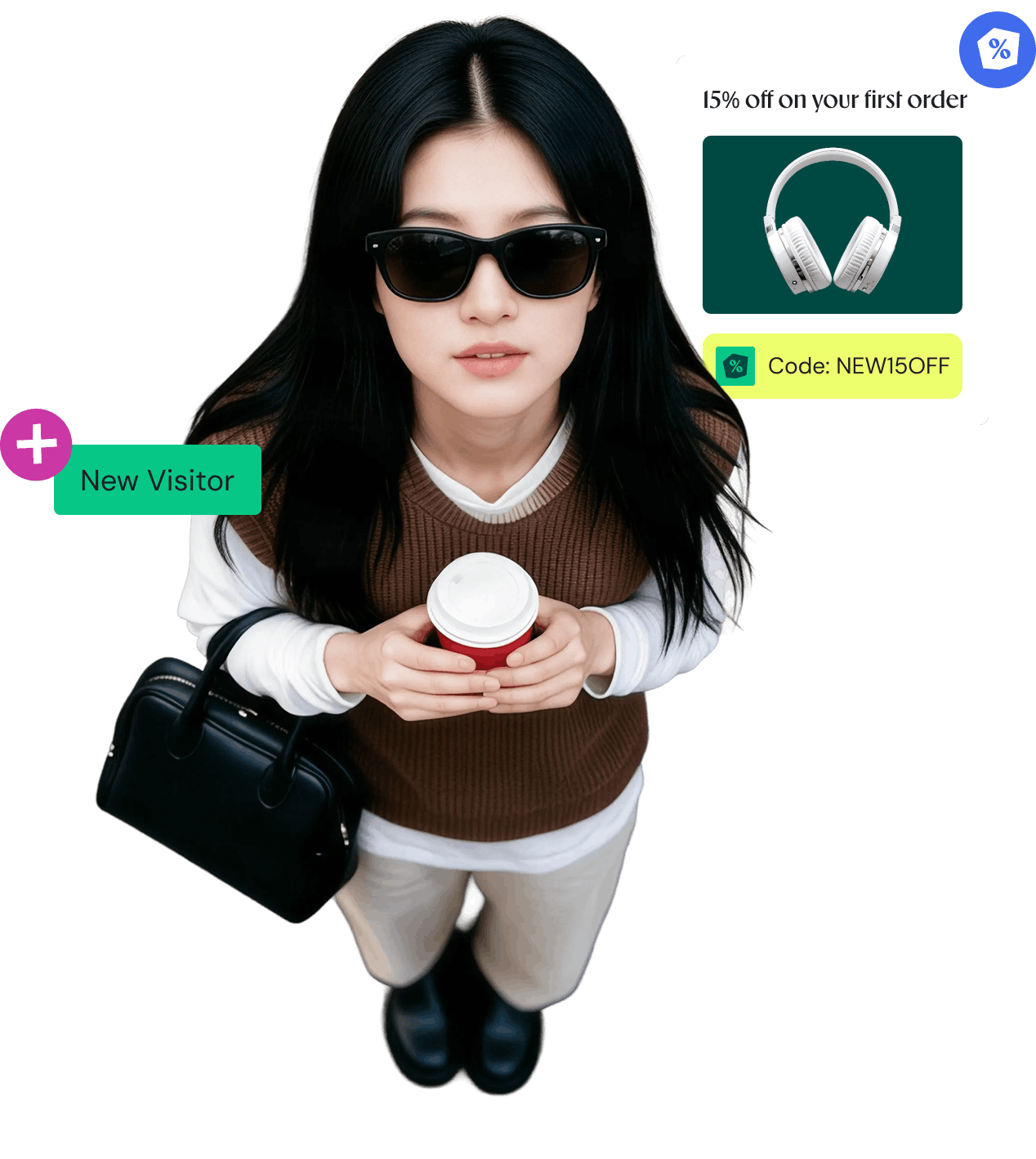
























Personalize according to who they are, their intent, how they interact, or their demographics.
Change copy, UI, pricing, and thresholds through feature variables, with no redeploy required.
Track how personalization affects adoption, engagement, and conversions, not just satisfaction.
An experiment in production should never be a gamble. Make sure it isn’t.
Track how personalization affects adoption, engagement, and conversions, not just satisfaction.

Pull user attributes from your own database and target users based on already curated data.

Import user cohorts from Segment, Amplitude, Mixpanel, etc., and personalize features for them.

Real-world use cases showing how personalizing features can boost key business metrics.

Show advanced capabilities to the tiers that pay for them, and give free users a timed preview to nudge the upgrade.
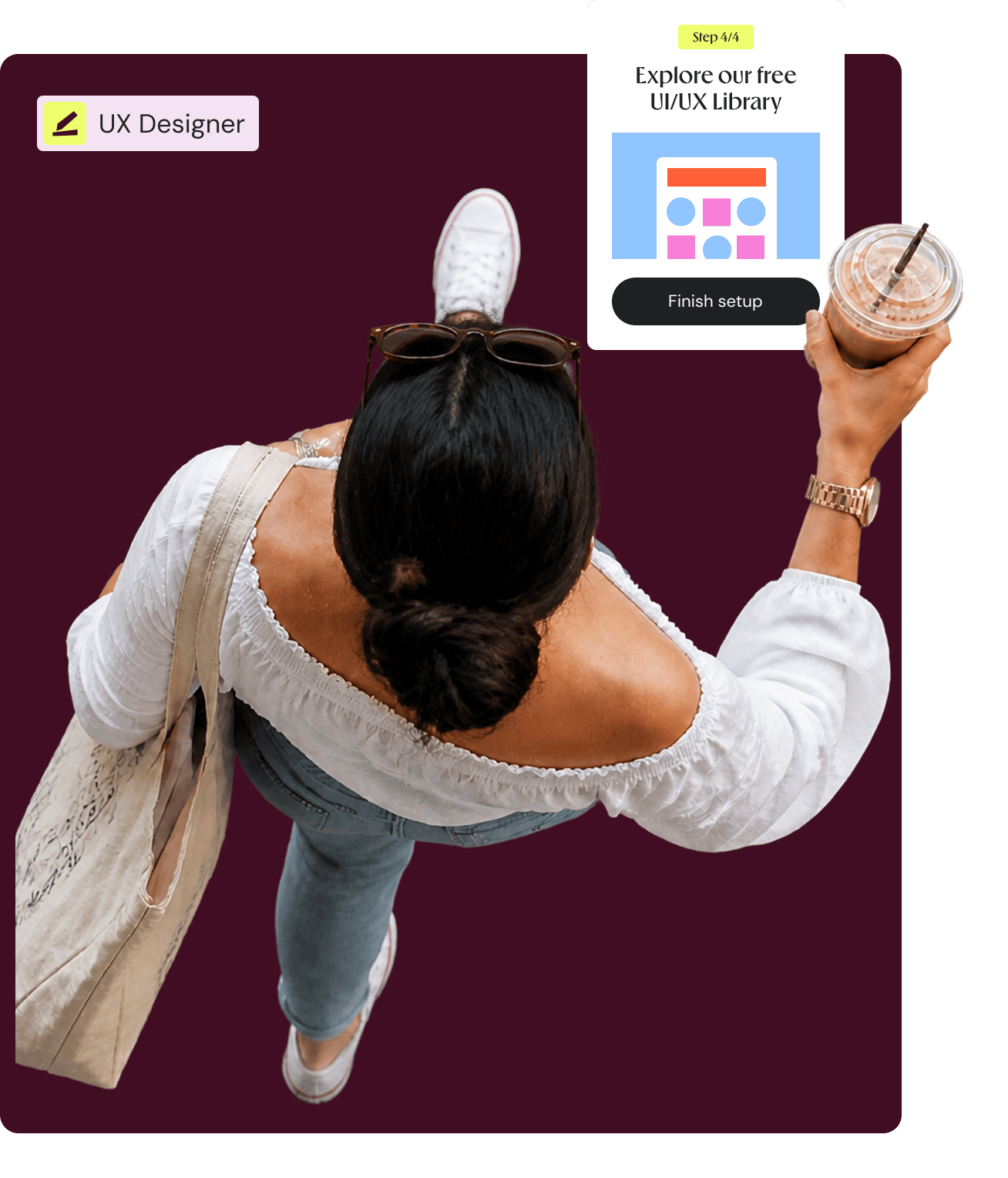
Tailor onboarding steps, tips, and empty states so each segment reaches value faster.
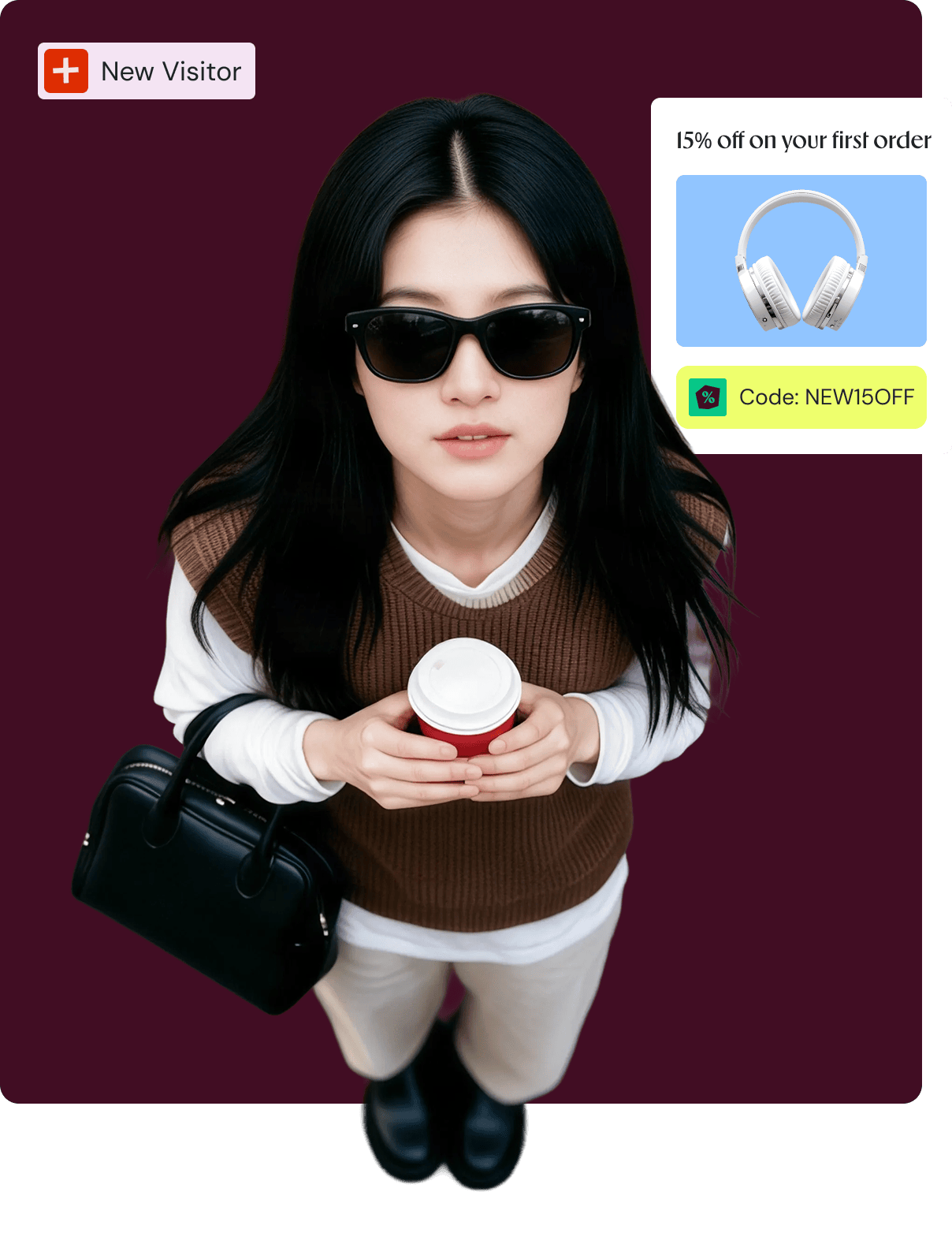
Serve plan highlights, discounts, and CTAs based on intent, account tier, or campaign attribution.
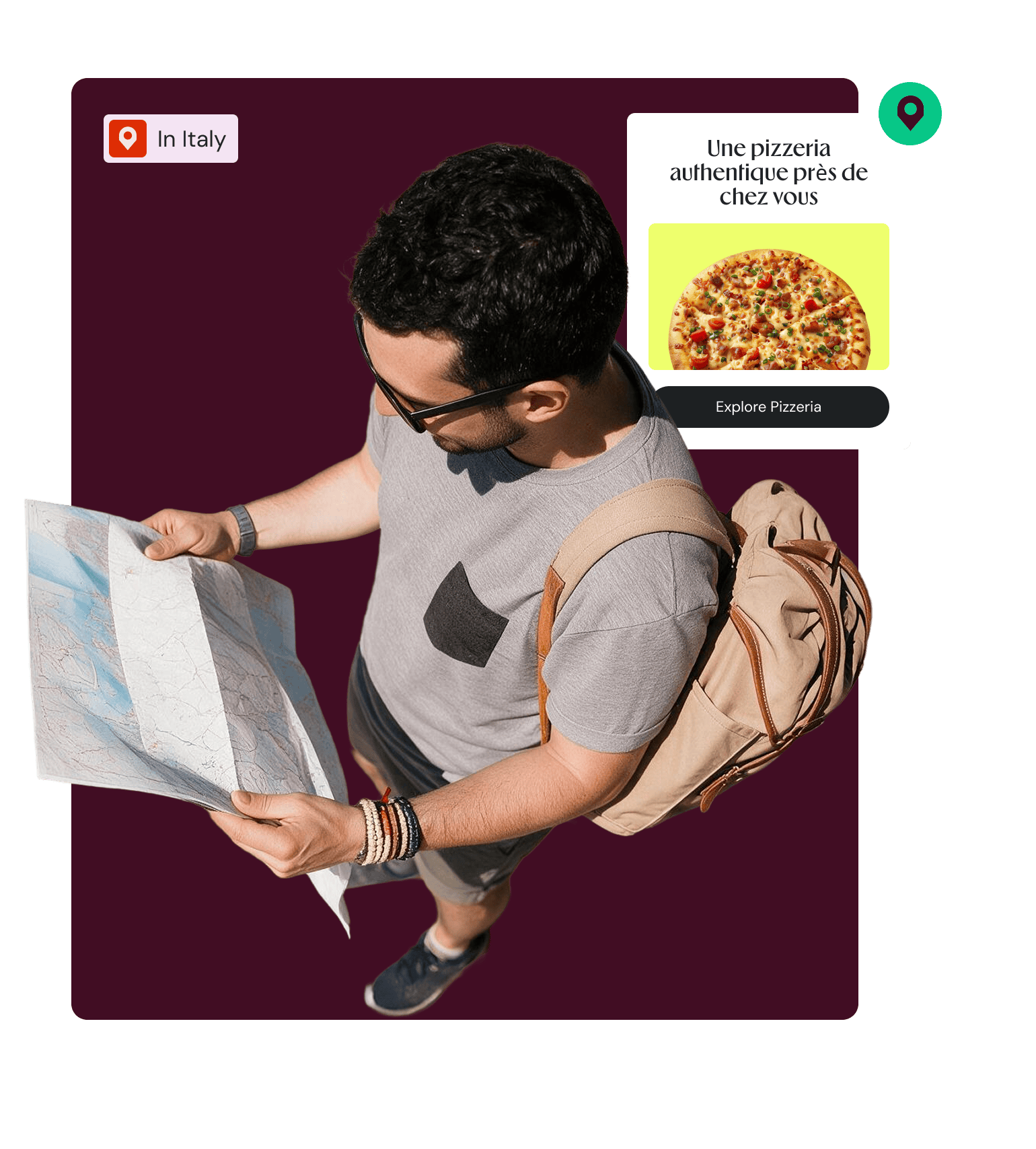
Localize features, messaging, and offers for region, language, and compliance needs without a redeploy.

Invite power users into early access, gather feedback, and graduate winners to the full audience.

Deliver mobile-, desktop-, or app-specific variants so the experience fits the form factor.
Plug Wingify into your tools without friction. Robust SDKs, native integrations, and audience data from the sources you already use.
Integrate the SDKs for your stack and start personalizing at scale right away.

Connect analytics, data, CMS, and cloud platforms through two-way, API-based connectors.

Bring in cohorts from your CDP and analytics stack, and export delivery data for deeper analysis on your side.

+ 1 %
Increase in Trial activation
Through structured experimentation, AURUM transformed its trial flow into a scalable activation engine, combining PLG strategies with growth-lever experimentation to optimize user engagement and conversion.Read Company Story →
Personalization brings you closer to your users.
Testing and gradual rollouts gauges real-world impact.
Test features in production before you release them. Run experiments on backend logic, pricing, and algorithms to know what increases adoption.
Automate feature rollouts, monitor the metrics, and roll back instantly if something breaks, no redeploy needed.
Auto-rollout, test, and personalize features in your mobile apps, without going through the app store release cycle.
Wingify meets the highest security and data privacy standards across the globe, with 24/7 priority support.
We carry industry-leading certifications. Your data stays protected while helping you meet global and regional regulatory requirements with confidence.


Data centers in the US, the EU, and India.
A dedicated success manager and technical experts, with 24/7 support and a consistent CSAT of 99%.

Here is what teams usually ask before they start
Feature Personalization in Feature Management tailors the features themselves, deep in the product and across web, mobile, and server, using flags and dynamic config; as opposed to web personalization that tailors on-page content and layouts.
Personalization is how you deliver the right one to each audience. Testing is how you learn which experience is better. They work together: learn with a test, then personalize the winning experience to the cohorts it helps.
Wingify Feature Management supports targeting based on any attribute or behavior you know, including plan tier, device, OS version, geography, lifecycle stage, or a cohort you have defined in-house or in third-party tools.
Yes, Wingify Feature Management lets you change copy, UI, pricing, and settings live, with no redeployment, using feature variables. That means you don't have to wait for app store approvals.
Feature personalization controls who sees which version, delivering tailored experiences to specific segments based on user attributes or behavior. Feature rollout controls how widely a feature ships, releasing it gradually to a percentage of users so you can manage risk. Wingify Feature Management evaluates rollout rules first, so a user must qualify for the rollout before any personalization rule applies.
Feature personalization in Wingify Feature Management changes what your product actually does, not just which segment a user sits in. Most CDPs and analytics tools build and enrich audience segments, then pass those signals to other systems to act on. Wingify applies them directly at the feature level, controlling copy, UI, eligibility rules, and configuration values through feature flags. It also ties each experience to metrics, so you can measure whether personalization moved your key metrics.
Yes, non-developers can create and manage personalized experiences in Wingify Feature Management once the initial setup is in place. First, developers integrate the SDK and define the feature flags and variables in code. After that, product managers and marketers configure and control the targeting, segments, variations, and rules from the Wingify dashboard, with no redeployment needed. This split lets product teams launch and adjust personalization while engineering keeps control of the underlying code behind the feature flags.
Wingify Feature Management shows whether a personalized experience improved a metric by measuring it against the goals you define. You attach metrics to the feature flag, and Wingify tracks user exposure and metric events for each experience. Impact analysis reports then show how the personalized segment performed, using advanced statistical modelling. Peeking correction and multiple statistical controls reduce false positives, so you can trust the result before scaling.
No, personalizing a feature in Wingify Feature Management does not add latency to your app. The SDK evaluates every flag and personalization rule in memory using locally cached config, so decisions happen in sub-millisecond time with no network call in the request path. As a result, users see the personalized experience with no added delay.

Free for 30 days. No credit card required.
Talk to a sales representative
Your dedicated Wingify representative will be in touch shortly to set up a time.
at

Increase in Trial activation