Experiment where features truly live
Test backend logic, pricing criteria, algorithms, or new AI features, and validate what works in the real world.
Wingify Feature Management Suite > Feature Experimentation
Test your assumptions at scale and ship features that users need, to boost adoption, engagement, and revenue.
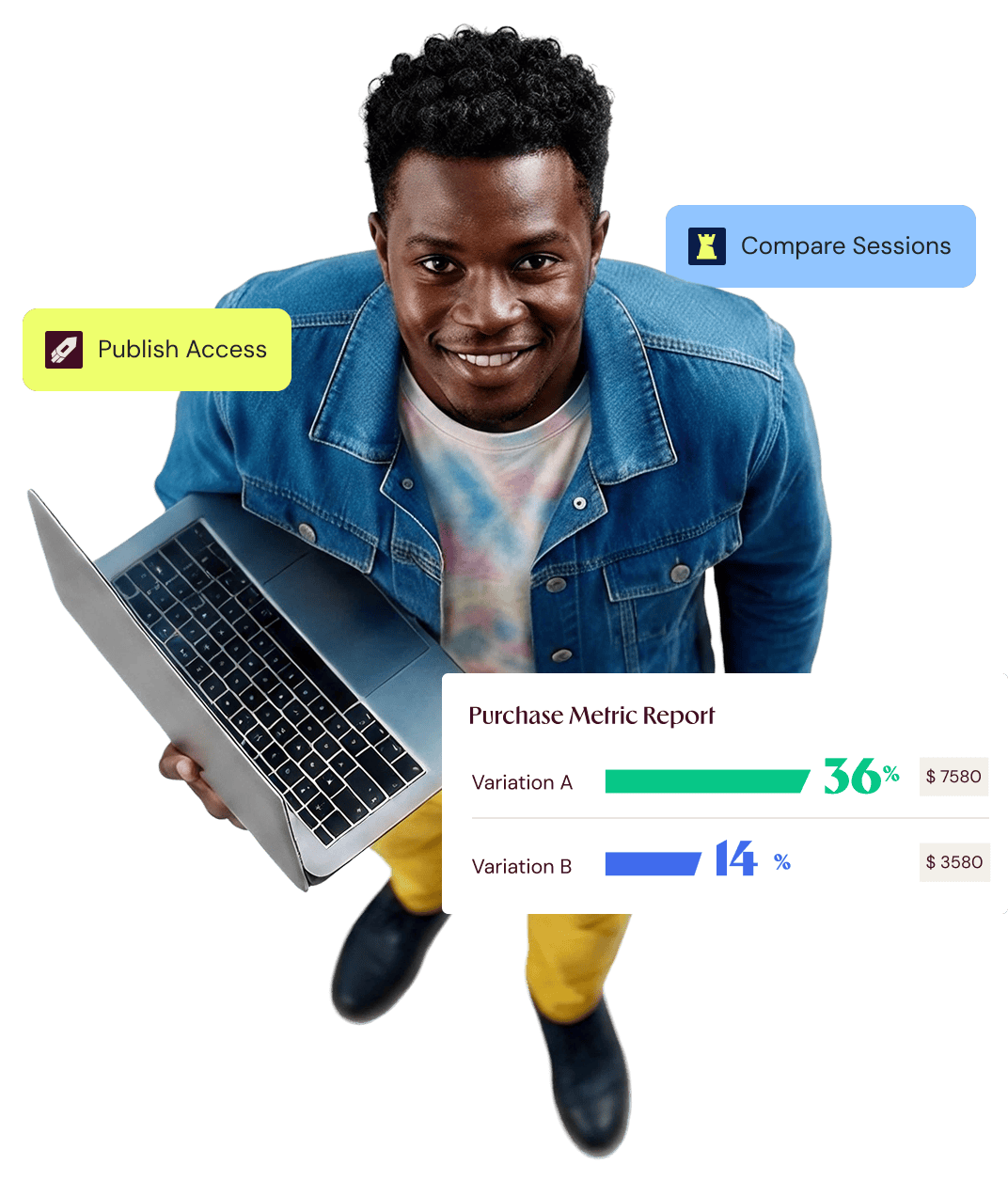
























Test backend logic, pricing criteria, algorithms, or new AI features, and validate what works in the real world.
Get real-time, error-free reports that reveal the truth, prevent sudden metric dips with guardrails, and give you confidence for your next launch.
Check patterns for specific cohorts by filtering by location, demographics, interactions, etc, and spot the nuance that you would otherwise miss.
Control your product experiments without juggling tools, managing unstitched data pipelines, or waiting on engineering teams to ship a change.

Create new variations and modify experiment configs without touching your codebase.
Run experiments for select audiences, gauge the impact on metrics, and scale the winner to everyone.
Auto-allocate traffic to the winning variation, ensuring users see nothing but the best.
Prevent audience overlaps pre-emptively, keeping your reports accurate and unskewed.
An experiment in production should never be a gamble. Make sure it isn’t.
If an experiment goes wrong, turn it off instantly, without redeploying or manual toggling.

Approval workflows, access control, and a clear change history keep experimentation safe at scale.

A winning test is great. Knowing why it won is even better.

Use advanced statistical reporting built to enable real-world product decisions, so you can act on data, and not on the loudest opinion in the room.
Get a real-time view of which variation is impacting conversions positively, calculated at a 99% probability, with inbuilt error corrections and prior health checks.
Customize your results, filter reports, export results, and explore advanced details like probability curves, absolute potential loss, and detailed calculation reports.
A number tells you a feature won. Behavior tells you why. Most experimentation platforms stop at the number. Wingify does not.
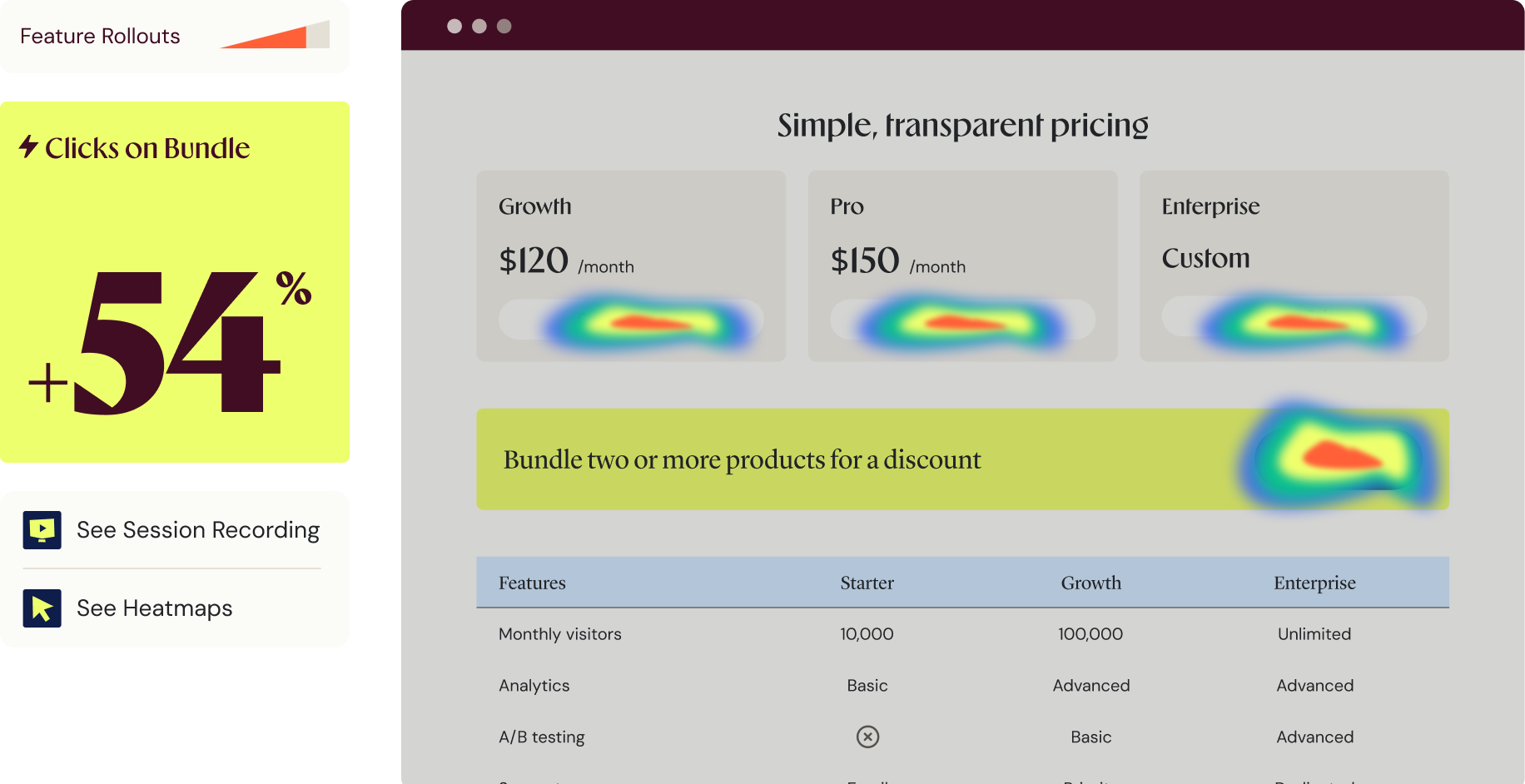
Real-world use cases of how experimenting with features can boost key business metrics.
Try a new pricing model, discount rule, or paywall threshold on a slice of traffic, and measure the effect on conversion and revenue before you commit.
Compare ranking models or recommendation logic in production, and roll out the version that actually lifts engagement, not the one that looked best offline.
Put two models or your AI-powered features head-to-head and measure which one performs for real users, not just in a benchmark.
Ensure AI-written code doesn’t break in production by validating different feature experiences first for a small set of users.
AI-Powered Experimentation
Wingify sits in your dev environment once you install our MCP server. No UI knowledge needed. No manual configs. Natural language prompts execute all that you want.
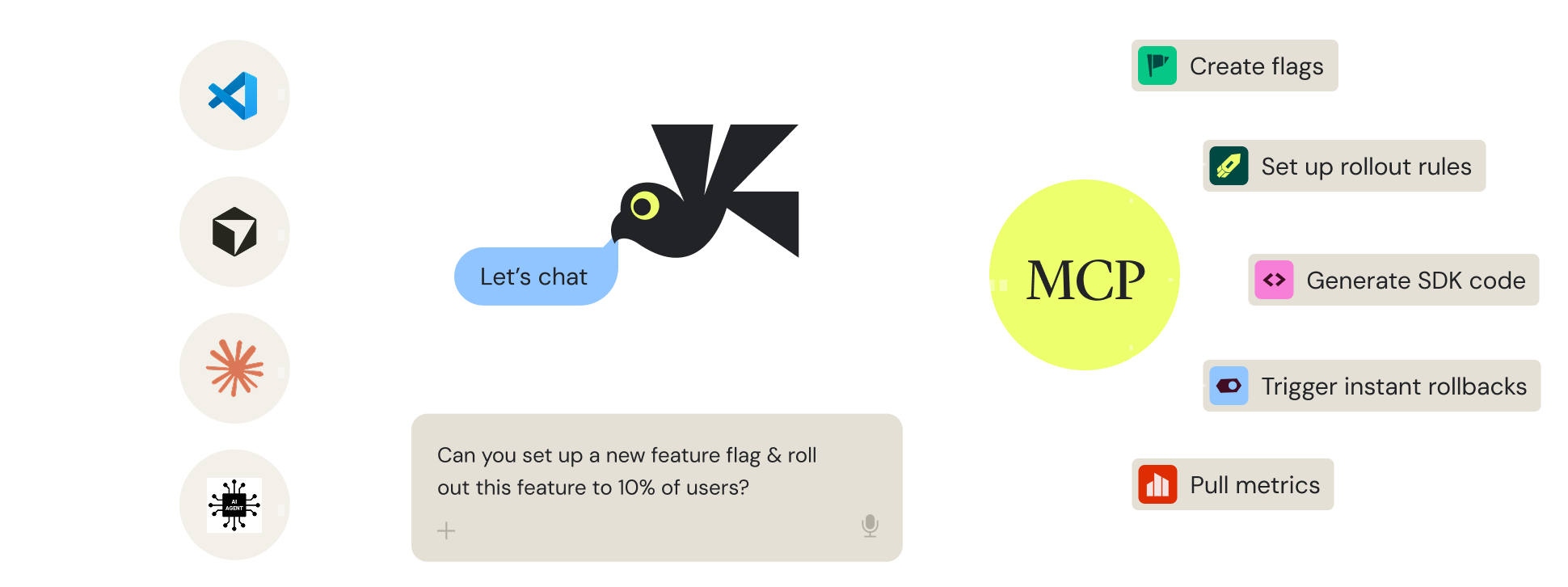
We fit right into your workflow, not fight it.
Robust SDKs for every major language and framework, plus REST APIs, an MCP server, and OpenFeature support.
Connect analytics tools, in-house data, CDPs, and cloud platforms through two-way API-based connectors.
Send structured experimentation data to the tools of your choice for deeper analysis and to store historical data for future reference.
The greatest value Wingify offers comes from the infrastructure that enables Research and Testing to be integrated, breaking down departmental silos. Wingify allows us to move seamlessly from qualitative data (Insights) to experimentation (Testing): while analytics tells us the what, Wingify Behavior Analytics explains the why behind user behavior, which is critical for formulating winning hypotheses. Its versatility is comprehensive; it enables us to scale the experimentation program by balancing execution speed with technical complexity, unifying Client-Side, Server-Side, and mobile app experimentation through Wingify Feature Experimentation, ensuring that learning is at the center of every technical decision.

Jorge Arboleya Perez
CRO & SEO Team Lead

Winning variations need a guarded rollout.
Launch it to a few users, personalize it, scale it up.
Make every feature feel personal. Deliver the right experience at the right moment, based on past behavior, in real time.
Automate feature rollouts, monitor the metrics, and roll back instantly if something breaks, no redeploy needed.
Auto-rollout, test, and personalize features in your mobile apps, without going through the app store release cycle.
Wingify meets the highest security and data privacy standards across the globe, with 24/7 priority support.
We carry industry-leading certifications. Your data stays protected while helping you meet global and regional regulatory requirements with confidence.


Data centers in the US, the EU, and India.
A dedicated success manager and technical experts, with 24/7 support and a consistent CSAT of 99%.

Here is what teams usually ask before they start
Wingify Feature Management runs server-side experiments to test backend logic, pricing, algorithms, and AI-built features, while web testing changes and tests pages with a visual editor. Use web testing for pages and Feature Management for what is under the hood.
Wingify SmartStats operates on Bayesian and Frequentist methodologies (you choose!) with built-in error and peeking correction, automatic sample ratio mismatch detection, 24/7 experiment health monitoring, and real-time reports. These capabilities keep experiment reporting transparent and accurate.
Yes, Wingify Feature Management lets you experiment on the backend and in native mobile apps using SDKs for major languages and frameworks. It provides a consistent experience for each user across web, app, and server.
No, you can run and read experiments entirely in Wingify. If you have a warehouse, you can export clean experiment data to it, along with your analytics tools and CDP, for deeper analysis on your side.
Using Feature Testing, you can test and validate different versions of a feature to know which ones are preferred by users, and have the highest impact on adoption and engagement.
Yes and no. You will need developers to install SDKs, build the features, and give you feature variables and expected values for them. Once you have those variable-value pairs, you can set them up in Wingify and test multiple combinations by just turning the toggle on/off from the dashboard itself. No developers needed for changing variable values later.

Free for 30 days. No credit card required.
Talk to a sales representative
Your dedicated Wingify representative will be in touch shortly to set up a time.
at

Increase in Trial activation