Used scrollmap insights to guide a full site redesign.
+ 54 %
Yearly Revenue
Wingify Analytics Suite
See behavior, journeys, and feedback for the same visitor in one place. Wingz goes beyond dashboards to find the patterns worth paying attention to, connects them to revenue, and turns them into test-ready ideas.
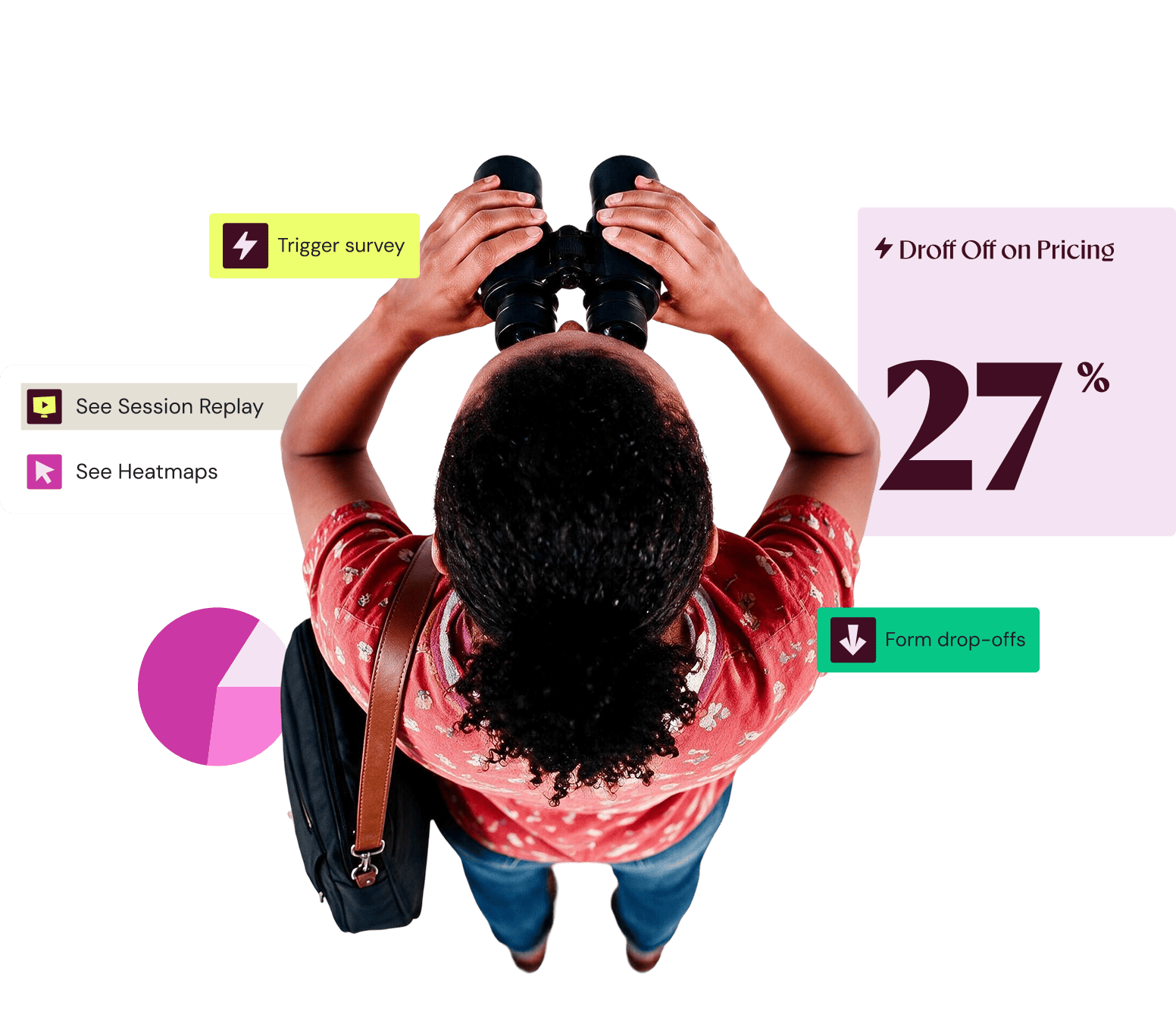
























Every session gets scored for friction. Wingz ranks the signals by revenue at stake, so your team knows where to start.

Wingz closes the gap between spotting a problem and fixing it, so your team can go from signal to test without switching tools.
Highlight patterns with friction scoring, and track areas where users are struggling.
See replays of who dropped, the field they abandoned, and the reason why.
Wingz turns a test idea into a reviewable brief.
Results come back to the same place, so each test shapes the next one.


Most teams have behavior, journey data, and customer feedback sitting in different tools. Bring them together around the same visitor and the story becomes much clearer.
Wingify Behavioral Analytics
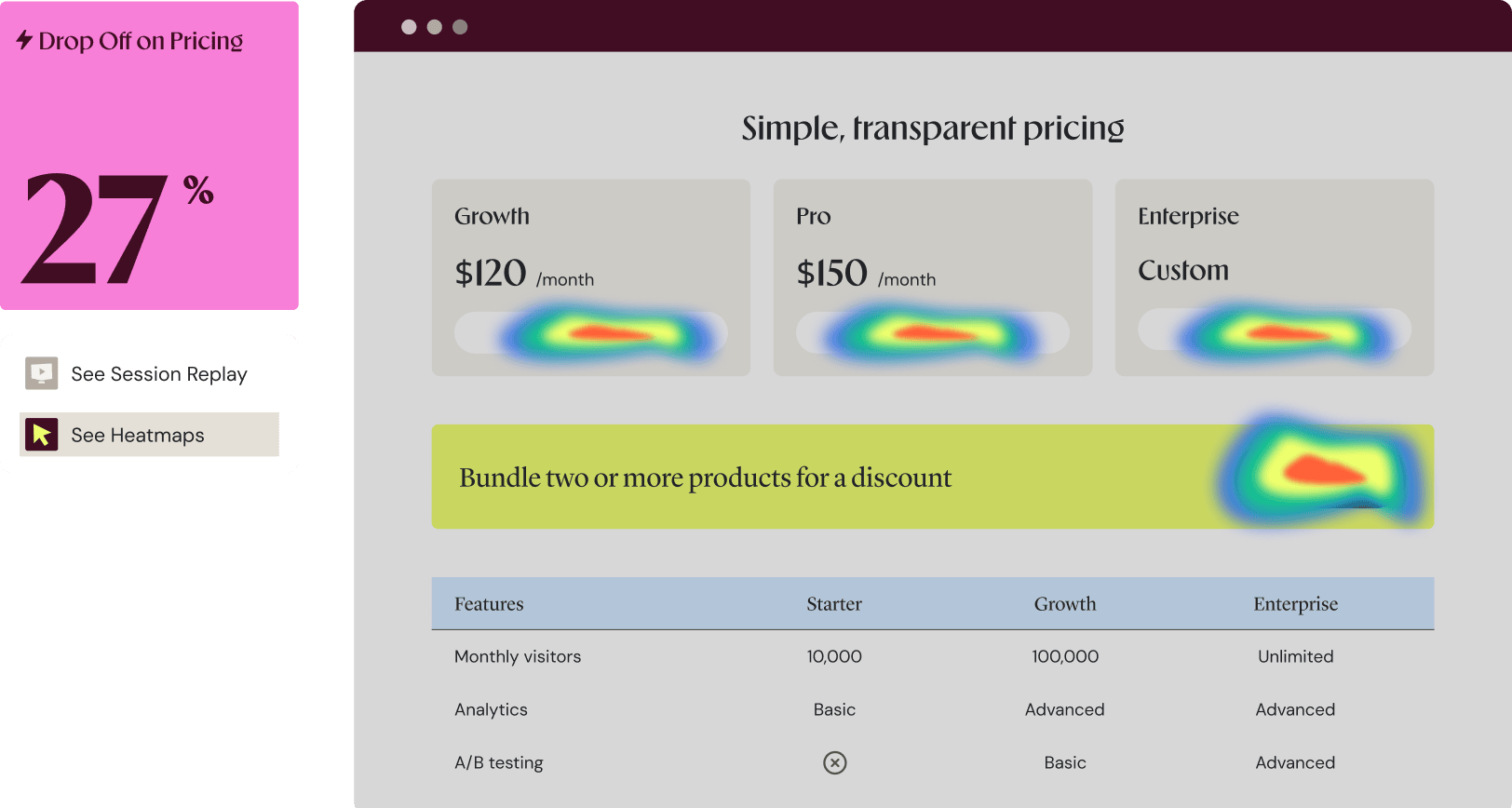
Wingify’s Behavior Analytics reveals user journeys and conversion roadblocks through session recordings, heatmaps, and form analytics, so your teams can quickly track areas of friction.
Learn More: Wingify Behavior Analytics →


Wingify Journey Analytics
This is your quantitative reporting layer, built for optimization. It keeps your numbers on the same platform as your recordings and heatmaps, so you never switch tools to investigate a drop.
Learn More: Wingify Journey Analytics →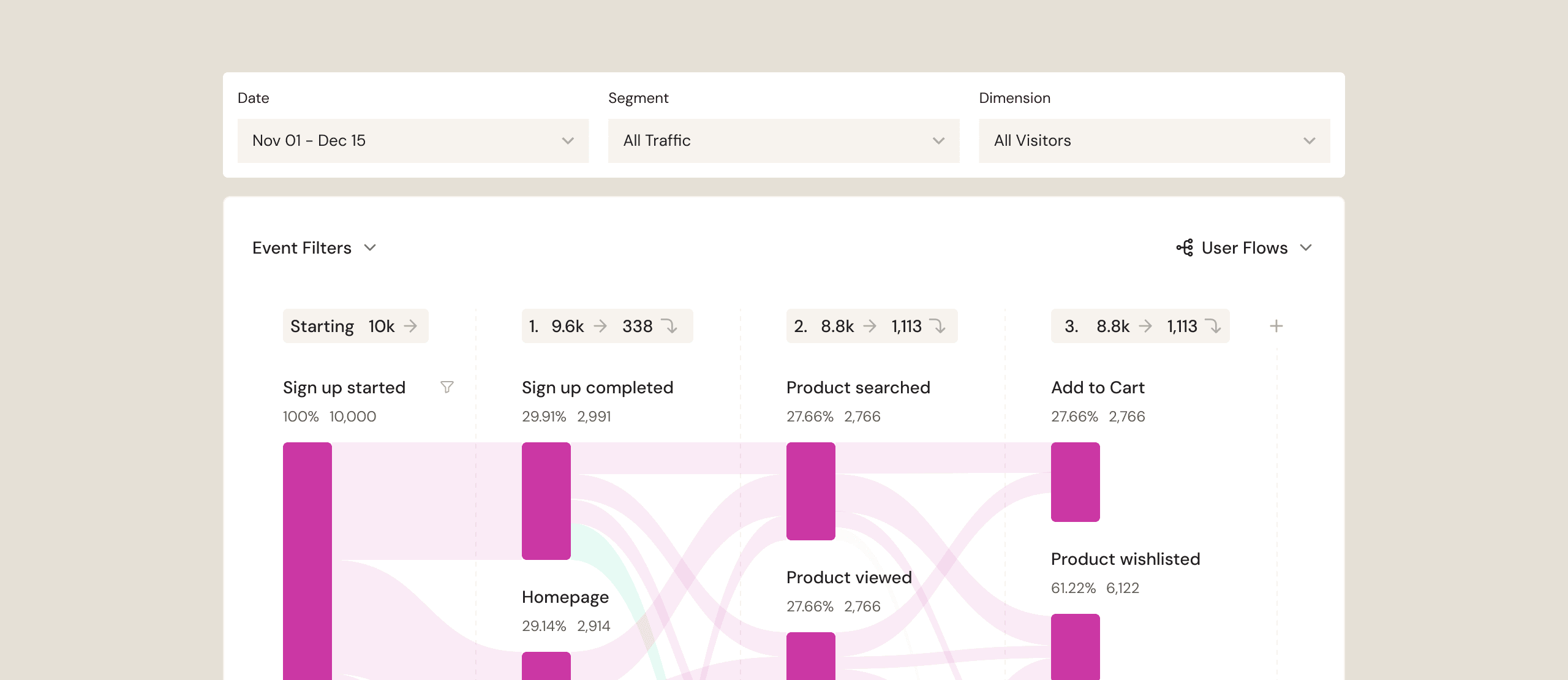
Wingify User Feedback
Wingify User Feedback brings your customer’s voice into your workflow. It captures contextual, in-the-moment feedback and reads every response for theme and sentiment automatically. This means that hundreds of responses suddenly become a short, manageable list of what to fix.
Learn more: Wingify User Feedback →
Launch targeted surveys based on behavior and context, such as signup abandonment or a failed action.
Collect feedback across web, mobile, in-product, and shareable links.
Match your brand's fonts, colors, and themes so surveys never feel bolted on.
Describe your goal and get a structured survey instantly.

Every day my inbox is full of salespeople who promise revenue gains. Wingify actually delivers.
- Whitney Pye, Vice President, Strategic Initiatives
Analyze connects with the analytics tools, marketing platforms, CDPs, and CRMs you already run, through one-click integrations. Pull user attributes in for richer segmentation, push findings out for reporting.
Learn MoreStart with what you need today and add more as you grow, all on one connected platform.
Explore Wingify Platform →Learn, test, act, repeat: Code-free edits, rapid testing and progressive rollouts.
Make it personal: Deliver contextual experiences to the right audience, at the right time, at the right touchpoint
Seamless browsing, seamless buying: Search, recommendations and catalogue merchandising together in one space. Purchasing made effortless.
Roll out with confidence: Wrap features behind flags, test different versions, personalize them, monitor impact, and automate rollouts from the dashboard - without a redeploy.
Get closer : One source of intelligence, every channel. Email, SMS, push, and in-app work together for deeper engagement – across every touchpoint.
Wingify works across the full picture and connects behavior, journeys, feedback, experiments, and audience data, then uses that context to find patterns, prioritize opportunities, and move ideas into action.
Wingz can build context from the moment a visitor arrives, including anonymous visitors. Your website, product, search, recommendations, and customer engagement can work from the same understanding of the visitor.
Wingz shows the evidence behind what it finds and the reasoning behind what it proposes. Your team can challenge the recommendation, change the hypothesis, or move forward.
Ideas can move into experimentation and be measured against real outcomes, so agents don’t just generate more suggestions. They help move the work forward.
Wingify meets the highest security and data privacy standards across the globe, with 24/7 priority support.
We carry industry-leading certifications. Your data stays protected while helping you meet global and regional regulatory requirements with confidence.


Data centers in the US, the EU, and India.
A dedicated success manager and technical experts, with 24/7 support and a consistent CSAT of 99%.

Here is what teams usually ask before they start
Wingify Analytics differs from most analytics tools in two ways. It covers session recordings, heatmaps, and form analytics for both web and mobile, with funnels and metric reporting handled by Journey Analytics, and it bills by the number of users you track rather than by session, so you can watch unlimited sessions per user.
Wingify Analytics brings Wingify User Feedback and Behavior Analytics together so teams can connect behavioral data with direct customer feedback. Behavior Analytics shows where visitors struggle, while User feedback lets teams ask visitors why and target questions based on the behavior they have observed.
Wingify Analytics helps you move from observation to experimentation by revealing why users behave the way they do. With Wingify Behavior Analytics, analyze heatmaps, session recordings, funnels, form analytics, to know how users behave. Wingify User Feedback helps uncover friction points, drop-offs, and high-impact opportunities across the customer journey. Finally, with Wingz you can convert data-backed, explainable test hypotheses with clear reasoning, to prioritize experiments with the highest potential impact.
Wingify Analytics setup takes a few minutes using a website snippet. For mobile apps, the Wingify Analytics SDK is under 300 KB and integrates with native iOS and Android apps, as well as hybrid apps built on Flutter or React Native.
Wingify Analytics masks personally identifiable information (PII) automatically in session recordings. Teams control what gets masked and can choose whether to sample traffic or capture every session. Wingify Analyze also supports the following standards and regulations:
GDPR
CCPA
ISO/IEC 27001
SOC 2 Type II
Yes, Wingify Analytics uses two installs, one for web and one for mobile, and both feed into the same dashboard. For mobile, you need to install a separate SDK specifically for mobile app analytics if you are already using their web or testing tools. Web tracking relies on a standard JavaScript snippet (SmartCode), but native mobile apps require deep code-level access to capture complex behavioral data like session recordings, custom events, and screens

Free for 30 days. No credit card required.
Talk to a sales representative
Your dedicated Wingify representative will be in touch shortly to set up a time.
at

Increase in Trial activation